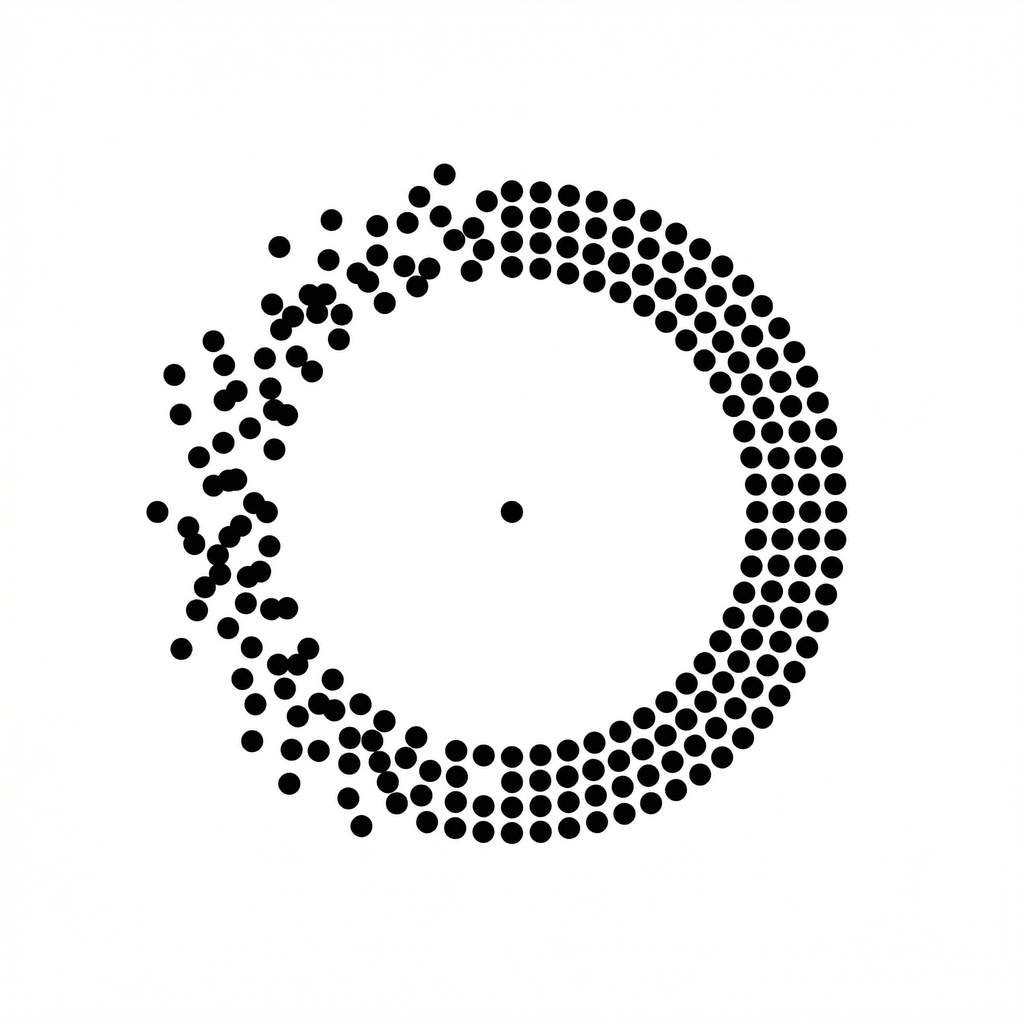
Classic dots01
Small points at the edges of your screen. A familiar place to start.
Features
NoMo gives iPhone passengers three visual cue styles, appearance controls and a few thoughtful extras.
Dots · Lines · Frame
These are three ways to display motion information. No single style is guaranteed to work better for everyone.
Small points at the edges of your screen. A familiar place to start.
Slim cues along the edges. A different way to see the movement.
An outline around your view. Try a style that feels right for you.
Explore the three styles in the app. Visual illustrations shown here.
Picture-in-Picture
Use a small NoMo window when you switch to another app. Start it from an active ride.
View the stepsPicture-in-Picture illustration · placement varies with iOS
Pair your cues with Comfort Audio. Choose a track, adjust the volume and settle into your own rhythm.
Ask Siri to open the app, then start your ride inside NoMo.
Siri opens the app; it does not automatically start a ride.
Choose the visual style and cue color. Adjust cue size and sensitivity, and select a display preset. NoMo also offers light and dark appearance options, a Picture-in-Picture background setting and dynamic motion settings.
Start with an intensity you find comfortable. More intensity is not automatically better; lower it or stop if it feels uncomfortable.
Eligible member rides can end with a short feedback check-in. You can record how the ride felt and explore a different style for next time. Feedback is a personal experience record, not a clinical measure of progress.
NoMo offers a weekly subscription or lifetime purchase. Review the app’s purchase screen for current local pricing and the features included.