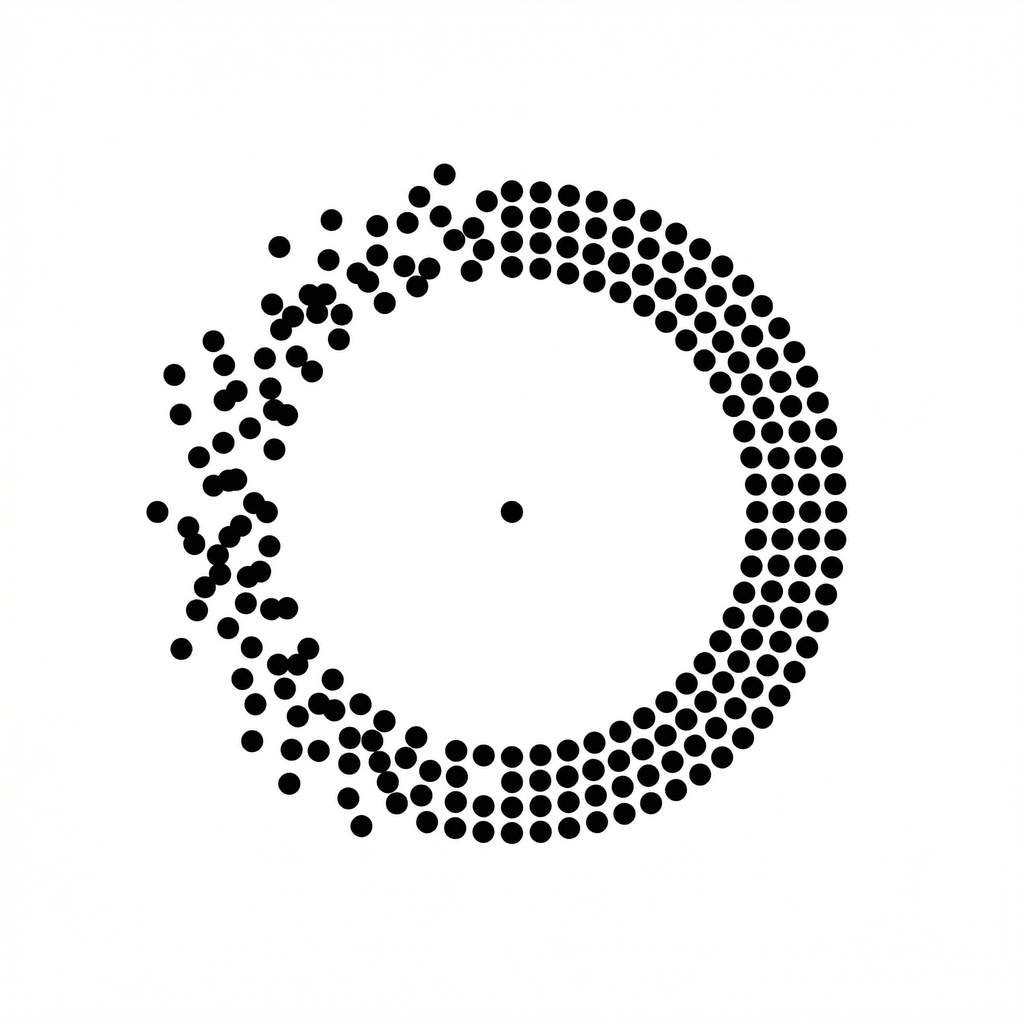
Regular
Default green cues, with regular dot size and density.
Display presets
NoMo’s Regular, Child, Elderly and Sensitive presets change the appearance of the cues. Here is exactly what each one changes.
Default green cues, with regular dot size and density.
Green cues with more dots. A parent or caregiver should supervise a child’s use.
Larger dots and a red cue color. Change individual settings if you prefer.
An orange cue color with regular dot size and density.
Presets describe display settings, not medical treatment or proven effectiveness for an age group or health condition. The Sensitive label is not a medical claim.
Open NoMo’s Settings and find the user mode options. Choose a preset, then adjust the available visual settings to your preference. NoMo stores the selection on your device.
You can also change between Dots, Lines and Frame. A larger dot, extra dots or a different color may be a useful preference; none is a guarantee of better results.