YOUR NEXT RIDE STARTS HERE
Bring NoMo
along.
NoMo – Motion Sickness
Visual motion cues for iPhone passengers. Choose Dots, Lines or Frame, adjust your settings and explore Picture-in-Picture.
Download on the App StoreOpens Apple’s App Store · In-app purchases available
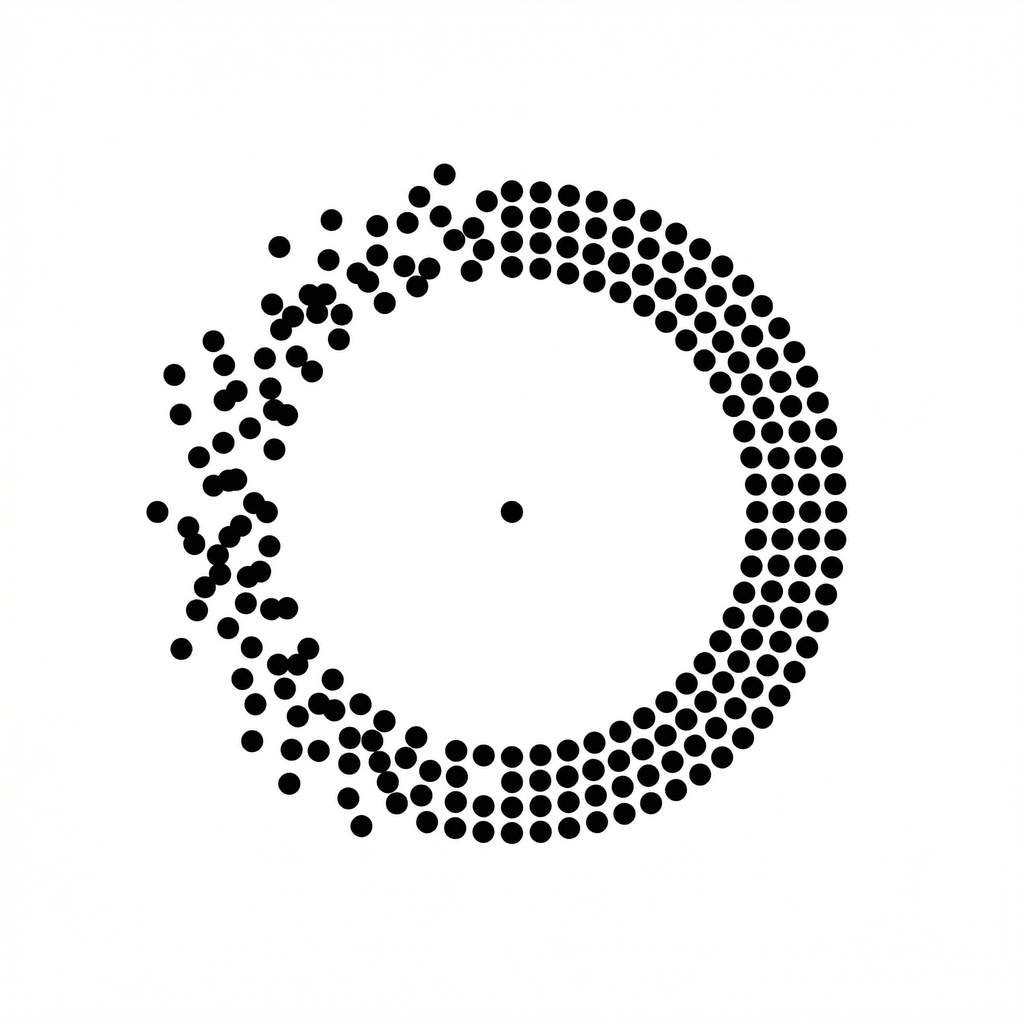
Look for NoMo – Motion Sickness and the dotted-circle app icon shown above.
Weekly subscription and lifetime purchase options are available in the app.
Use only as a passenger. Try your settings at your own pace and take screen breaks.
Before your first ride.
- Download NoMo using the App Store button above.
- Open the app and follow the introduction.
- Choose a cue style and settings that feel comfortable.
The App Store listing shows current compatibility, local pricing and purchase terms. This page links directly to the supplied Singapore storefront listing; Apple may offer to switch to your account’s storefront.
Want to understand the difference first? Compare NoMo with iPhone’s built-in motion cues.